New Release The Lawnmower Man Directors Cut
The Lawnmower Man Director’s Cut brought up the debate once more regarding the collision of cinema and technology upon release. The film, which is known… ( Read More )

Where Creativity Meets Technology
Where Creativity Meets Technology
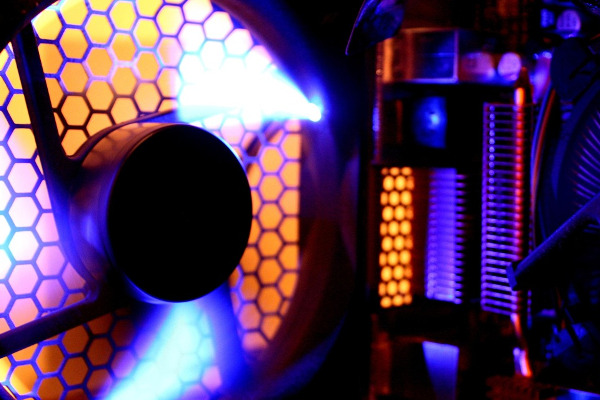
Cooling systems are essential in computers and electronic devices because heat negatively impacts hardware performance, efficiency, and lifespan. Without proper cooling, hardware can overheat, slow… ( Read More )

What is a CPU? The Central Processing Unit (CPU) is the main chip in a computer that executes instructions and performs calculations. It’s often called… ( Read More )
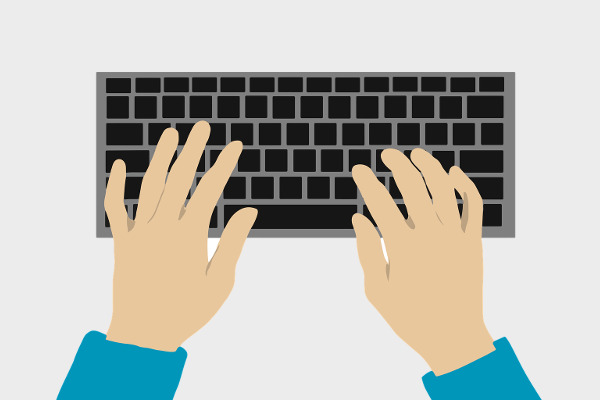
Input and output devices are hardware components that allow communication between the user and the computer system. Input Devices: Used to send data to the… ( Read More )
The Lawnmower Man Director’s Cut brought up the debate once more regarding the collision of cinema and technology upon release. The film, which is known… ( Read More )
With more and more complex networks, administrators experience more and more difficulties with keeping track of the performance, bottlenecks, and data flow security. Packet Trap,… ( Read More )
Technology discourse works best when it is a mixture of technical knowledge and commentary that is easy to relate to. Just The Tech Episode 3… ( Read More )
In the current online environment, it is important to be acquainted with the newest content. Feeds, be it RSS or Atom, are an influential tool… ( Read More )
An Operating System (OS) is system software that acts as a bridge between the computer hardware and the user. It manages hardware resources and provides… ( Read More )
System software is designed to operate, control, and extend the processing capabilities of the computer itself. It acts as a bridge between hardware and user-level… ( Read More )
 Technology runs our daily lives in ways we often forget. Every task we do on a screen depends on two things: software and hardware. These two parts may seem different, but they work together to make your devices fast, reliable, and easy to use. Whether you browse the internet, create content, or play games, both software and hardware have a big role in the experience.
At the same time, many people use Reddit as part of their daily routine. It is where users read news, share stories, and join communities. But some encounter a problem: suddenly not being able to post or comment. When this happens, the first thought is often, “Am I banned?”
The good news is you can check Reddit ban for free here, and it only takes a few steps.
Hardware refers to the physical parts of any device. It includes your computer, phone, tablet, and even accessories. These items are the foundation of everything you do online or offline. Without hardware, software has nothing to run on.
Here are the most common types of hardware:
Good hardware can improve your entire experience. A faster processor, more RAM, or an SSD can speed up work and reduce loading times. Even a simple hardware upgrade can make an old device feel new.
Software refers to the programs and systems that run on your device. Apps, websites, browsers, games, and operating systems are all software. They send commands to the hardware so the device knows what to do.
Types of software include:
Good software can help your device stay secure and efficient. It also affects speed, performance, and stability. Updates are also important because they fix bugs and improve features. When software and hardware work well together, the results are smooth, fast, and reliable.
Many device problems come from poor compatibility. This happens when the software is too new or too heavy for your hardware. It also happens when the hardware is outdated and cannot support new features. When the two do not match, you may see slow performance, lag, or app crashes.
Here are simple signs that the hardware and software are mismatched:
Upgrading either side can fix these issues. A RAM upgrade, new storage, or updated software can improve performance. In other cases, replacing old hardware may be the only option. Many users also benefit from checking compatibility lists before installing new software.
Reddit bans can happen for different reasons. Sometimes it is due to subreddit rules. In other cases, it may be a site-wide ban. Many users also get shadowbanned, which means you can still post, but others cannot see your content.
Here are easy and free ways to check:
Several websites let you check your username. You type your Reddit name, and the site tells you if you are shadowbanned, suspended, or active. These tools are free and take only a few seconds.
Log out of Reddit or use incognito mode.
Type this link in your browser:
reddit.com/user/yourusername
If the page says “page not found,” your account may be banned or shadowbanned.
Choose a large subreddit with active moderators. Make a simple, harmless post. After posting, open the thread in incognito mode.
If your post does not appear, this may mean a shadowban.
Reddit sends notices for some bans. Check your inbox for messages from the Admins or from subreddit moderators. Not all bans come with messages, but many do.
If only one subreddit blocks you, you may have a “subreddit ban.”
Visit the subreddit. If you see “You are banned from participating,” it is a local ban, not a site-wide ban.
These simple steps help you confirm your Reddit status without paying for any tool. It is a quick way to understand whether you can continue posting or if you need to appeal.
Reddit has strict rules. Following them helps avoid issues:

Prospecting has always been difficult for small businesses due to their limited budget and personnel, as well as their struggle to pinpoint the exact target to make their outreach efforts worthwhile.
Larger companies have historically dominated the outsourcing market due to their access to advanced digital tools and sophisticated target marketing. In this environment, the entrepreneurial world has seen the development of tools such as the IG email scraper to allow small businesses access to verified lead data to pinpoint their target customers.
Lead generation often consumed innumerable hours of work as prospecting fell to business owners. Prior to digital scraping tools, contact generation was an extremely meticulous process.
Owners would manually browse social media to identify niche audiences and then painstakingly try to collect contact details. In contrast, digital scraping tools available today can gather target information at scale to create clean audience lists in a fraction of the time.
Increased data availability has shifted the customer acquisition process. Small businesses that rely on precise targeting for customer acquisition have drastically reduced the time and effort required to search the platforms. Building customer relationships and testing campaign messages can take up more time.
Automation is integral to the new model of lead generation, as it levels the playing field for businesses. Business owners no longer need to perform repetitive tasks manually, such as gathering and organizing data, as they can use software.
Business owners save time and, more importantly, no longer need to hire costly agencies or additional personnel to maintain an active sales pipeline.
More importantly, automated tools improve consistency. Small businesses face operational challenges when they encounter workload spikes or lack the necessary staff to effectively manage marketing and operational activities.
Businesses can achieve operational consistency through lead scraping technology, which enhances sales forecasting, streamlines sales cycles, and ultimately leads to growth.
ALSO READ: How Top Wikipedia Service Highlights the Balance between Software and Hardware?
The performance of the outreach tools most clearly demonstrates the real results that automated marketing tools and operational consistency generate. When a small business has a clean/scraped list of contacts that fall within a target audience, they receive higher response rates.
Campaigns with clean data deliver fewer bounces, maintain an improved sender reputation, and deliver higher campaign deliverability rates.
Another notable advantage is speed. With no latency, scraping tools autopopulate fresh leads into email, CRM, or advertising systems. Small businesses selling seasonal products or running promotions with tight deadlines can capitalize on these swift processes.
Rather than running the risk of losing potential sales, businesses can respond quickly to market trends and keep their leads from cooling.
The more marketing and sales activities can be automated, the more benefit small businesses will gain from tools that offload repetitive tasks and provide better analytical results. Lead generation is less about having large teams and more about implementing clever technology.
The companies that are the first to adopt these technologies will enjoy more efficient sales systems, better targeted marketing, and improved overall business growth.
In the world of modern computing, performance depends on balance, not just power or design. The role of a top Wikipedia service in documenting technological standards mirrors this concept, as it delivers structured, reliable knowledge that helps users understand how systems truly function. Wikipedia pages on computing fundamentals often emphasize that neither software nor hardware can reach full potential alone. Their relationship sets the tone for how fast, stable, and efficient a device can be, whether it’s a personal laptop, a gaming rig, or a full-scale enterprise system.
Understanding this synergy is vital, and much like how experienced Wikipedia service organizes knowledge for clarity, flawless digital performance stems from components that work together instead of competing.
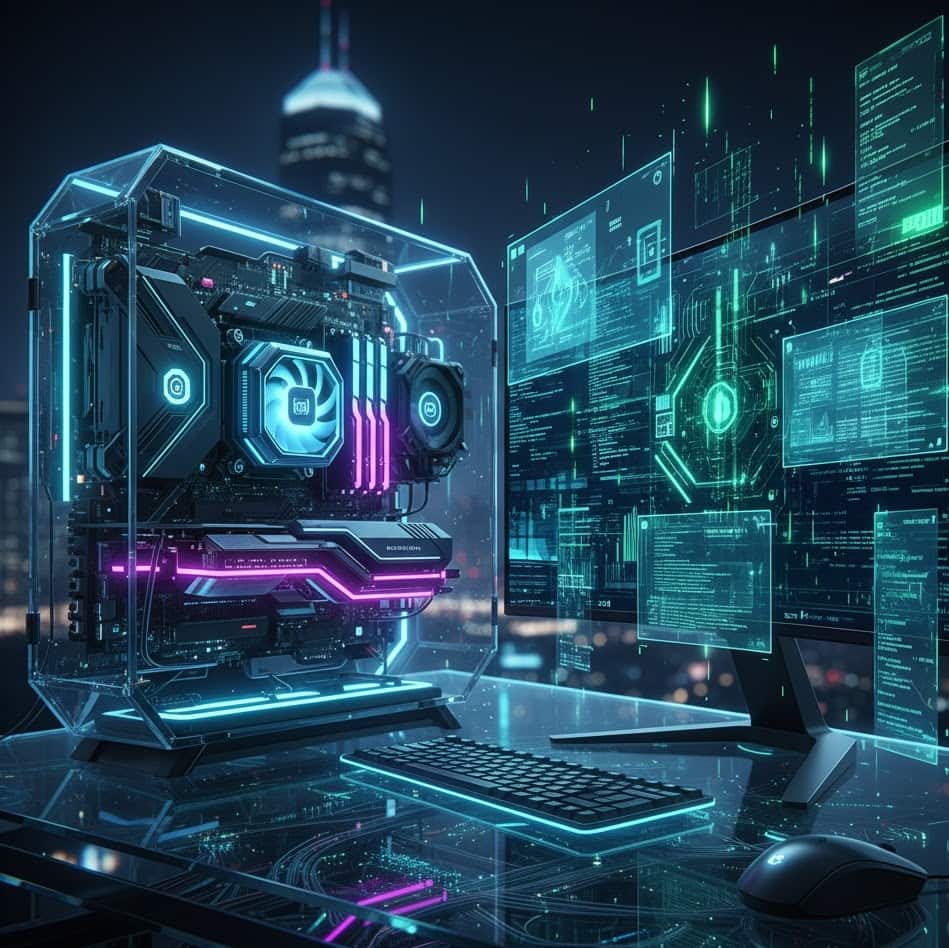
Hardware represents the physical strength of any computer system. Processors determine how quickly tasks are computed, RAM dictates how much data can be handled at once, and storage affects both speed and capacity.
Even graphics cards influence more than just gaming, they support creative workloads, simulations, and data visualization. These elements define the boundaries within which software operates. Without capable hardware, even well-designed applications struggle to run efficiently, creating slowdowns or compatibility issues that affect productivity.
A powerful machine is still limited if software cannot utilize its capabilities. For instance, outdated operating systems may fail to support newer CPU architectures, and older applications might not recognize modern GPU acceleration. This mismatch leaves resources underutilized, similar to how incomplete or outdated information weakens the reliability of any digital reference.
Software determines how hardware is used. Operating systems like Windows, macOS, or Linux manage processes, allocate memory, optimize performance, and prevent resources from clashing.
Programs and applications give purpose to hardware, enabling users to create, analyze, communicate, and experience digital environments.
Well-written software maximizes efficiency, allowing even mid-tier machines to perform tasks smoothly.
Poorly optimized software, however, can overwhelm even high-end hardware with unnecessary processes, inefficient code, or compatibility problems.
In the same way harmony is required between hardware and software, an established Wikipedia service ensures online knowledge stays cohesive and connected. Reliable Wikipedia content about processors, operating systems, and system architecture helps users make informed decisions about upgrading devices or solving performance issues.
It provides context, shows relationships between components, and explains why certain systems work better when paired correctly. This clarity mirrors the synergy in computing, where every part must align to create a seamless experience.
When software and hardware complement each other, computers feel faster, more responsive, and more reliable. Applications open smoothly, multitasking becomes seamless, and intensive tasks such as editing, rendering, or data processing perform without interruption. This synergy also extends device lifespan, because balanced systems avoid unnecessary strain. Compatibility is not just a technical luxury, it is a foundational requirement for achieving the performance users expect in a digital age driven by rapid innovation and constant connectivity.
What is a CPU?
The Central Processing Unit (CPU) is the main chip in a computer that executes instructions and performs calculations. It’s often called “the brain of the computer” because it controls most operations.
The CPU is the heart of all computation — it takes instructions, processes them rapidly, and runs everything from typing a letter to playing a game.
Input and output devices are hardware components that allow communication between the user and the computer system.
Input Devices: Used to send data to the computer.
Output devices allow the computer to deliver or display results of processed data to the user.
https://www.jasonslater.co.uk
Cooling systems are essential in computers and electronic devices because heat negatively impacts hardware performance, efficiency, and lifespan. Without proper cooling, hardware can overheat, slow down, or fail entirely.
Edge computing is a technology where data processing happens near the data source, such as sensors or IoT devices, rather than sending everything to a centralized cloud or data center.
This approach reduces latency, saves bandwidth, and improves real-time decision-making.
An Operating System (OS) is system software that acts as a bridge between the computer hardware and the user. It manages hardware resources and provides services for computer programs.
The Operating System is the backbone of a computer, coordinating all hardware and software to ensure smooth operation and usability.
What’s the Difference?
Authentication: “Who are you?”
Verifies the identity of a user.
Authorization: “What can you do?”
Determines what an authenticated user is allowed to access or perform
System software is designed to operate, control, and extend the processing capabilities of the computer itself. It acts as a bridge between hardware and user-level software.
System Software Operates and controls hardware
Application Software Performs user-specific tasks
Utility Software Maintains and optimizes the system